
Product

Visualize 3D motion — and force — anywhere.
- No calibration
- No markers
- Results in one minute

Easy Measurement
No camera calibration and no body-worn sensors. Mount the camera on a tripod, connect it to a PC, and you can start measuring right away.

A 6 m Measurement Range
Stand in front of the camera so your whole body is in frame, and walk toward it. With AB Cam, the camera built for GaitForce, you can measure and analyze a range of 1.5–7.5 m from the camera.

Result Comparison
Display multiple analysis results on a single screen and compare them side by side, or overlay them as semi-transparent models. Each dataset is color-coded, making visual comparison easy — useful for before/after treatment comparisons or comparisons between subjects.

Reports (Beta)
GaitForce automatically generates a report that computes representative metrics from a gait measurement and summarizes them in tables and charts. You can configure what to include, save layouts for reuse, and export the report as a printable PDF.

Fast Analysis
GaitForce runs analysis quickly thanks to our proprietary AB Engine software. For a typical gait measurement, results are ready in about a minute.
View the Technology* Currently, only walking is supported. Support for other movements is planned.
What Gets Quantified

Joint Angle
The angles of the major joints. Individual movement traits emerge, such as left–right asymmetry and how load is borne.

Ground Reaction Force
The contact force between the floor and the foot. It corresponds to the force the foot exerts against the floor to move the body forward–backward, side to side, and up and down.

Joint Moment
The rotational force a person exerts at a joint through muscle strength. It can be used to assess the risk of progression of joint disorders.

Joint Reaction Force
The translational forces acting on a joint, such as compression and shear. They can be used to evaluate the load on the joint's soft tissues.
Release Notes
GaitForce is continuously updated with new features and improvements.
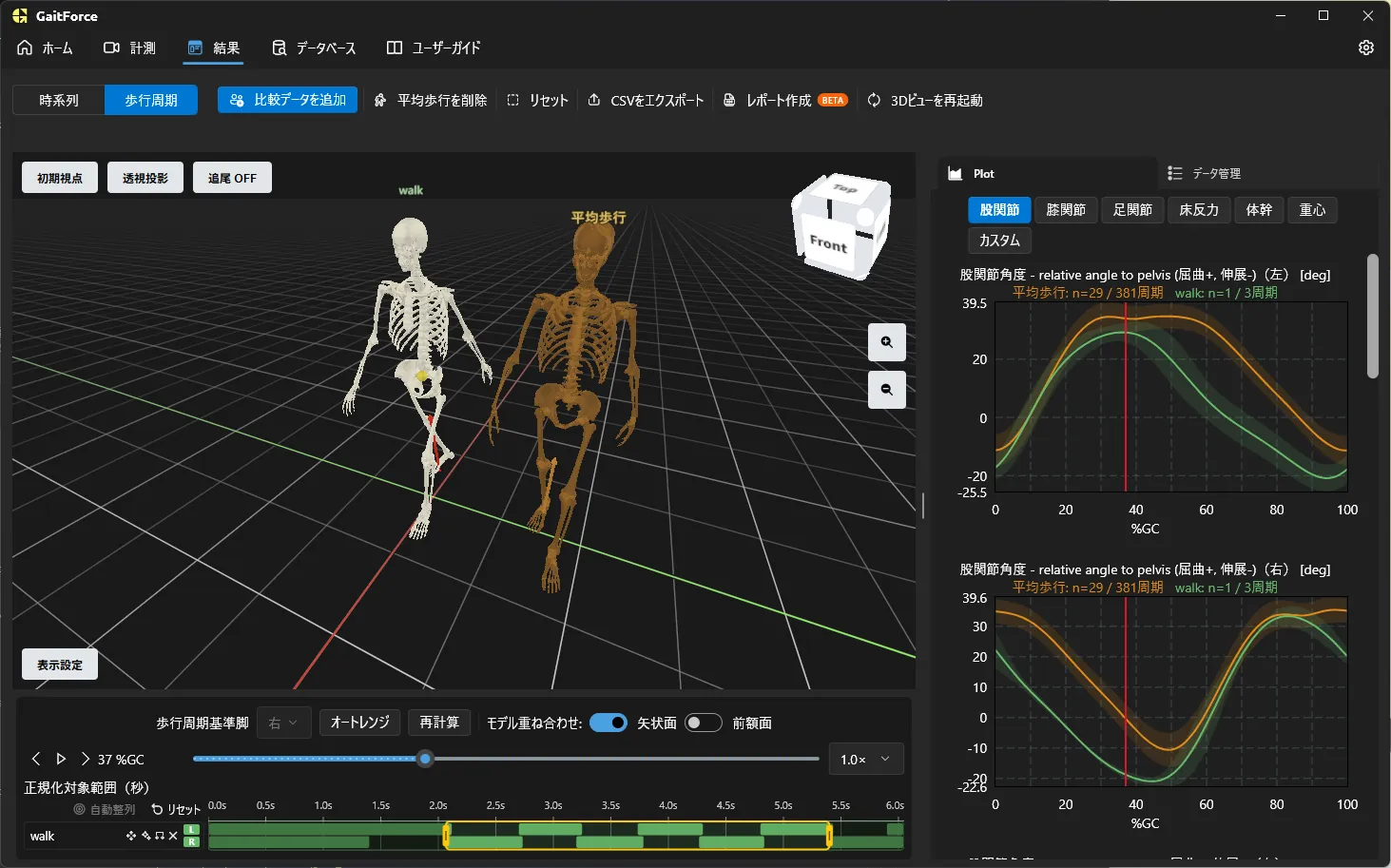
GaitForce v1.3 をリリース
歩行周期モードや平均歩行との比較機能を追加したGaitForce v1.3.0をリリースしました。
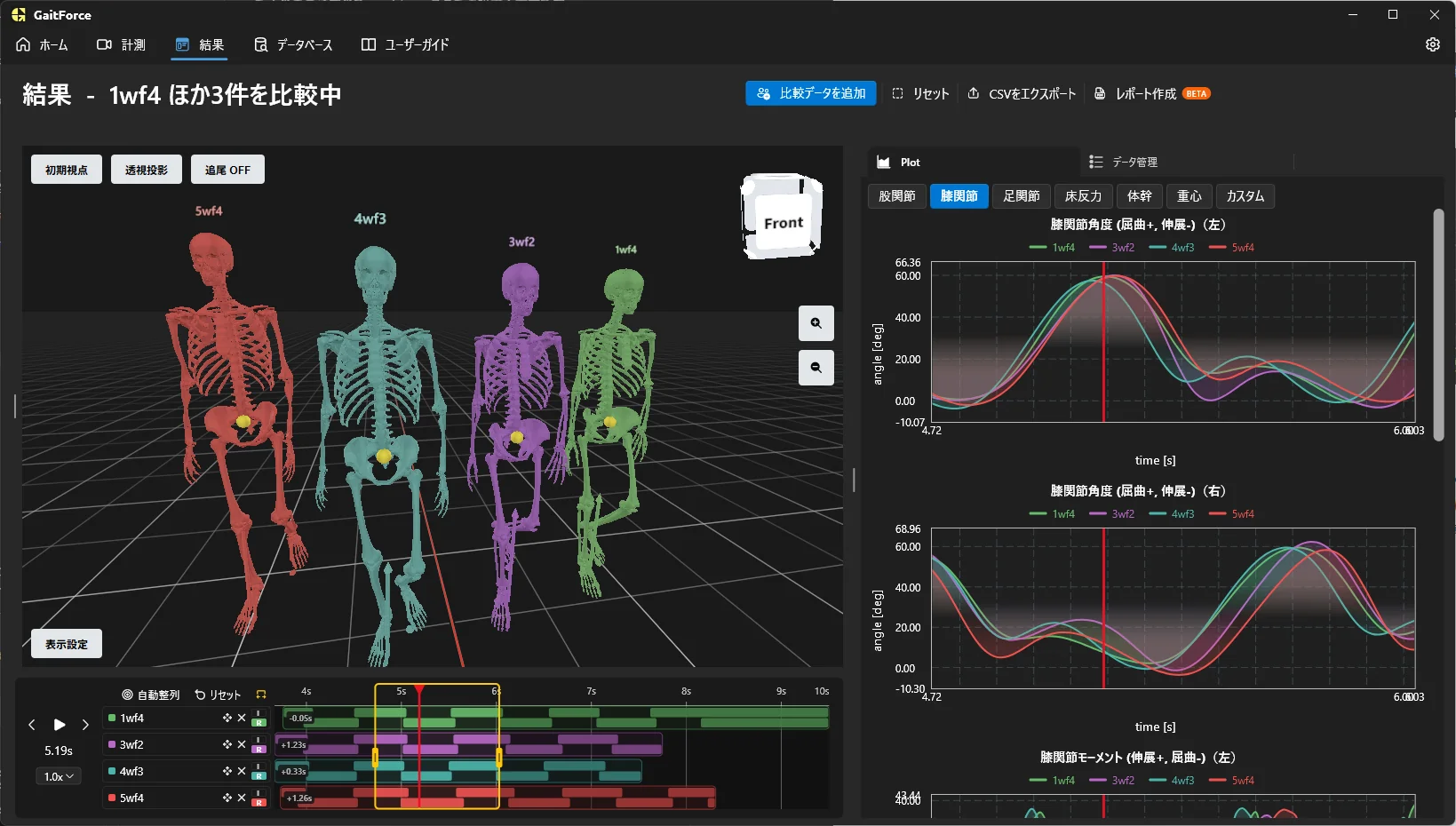
GaitForce v1.2.0 Released
GaitForce v1.2.0 adds a comparison feature, a report feature (Beta), and more.